

How to Automate Your Monthly Reconciliation
Monthly reconciliation often takes several days. With the right tools, you can cut it down to hours. Here's how.
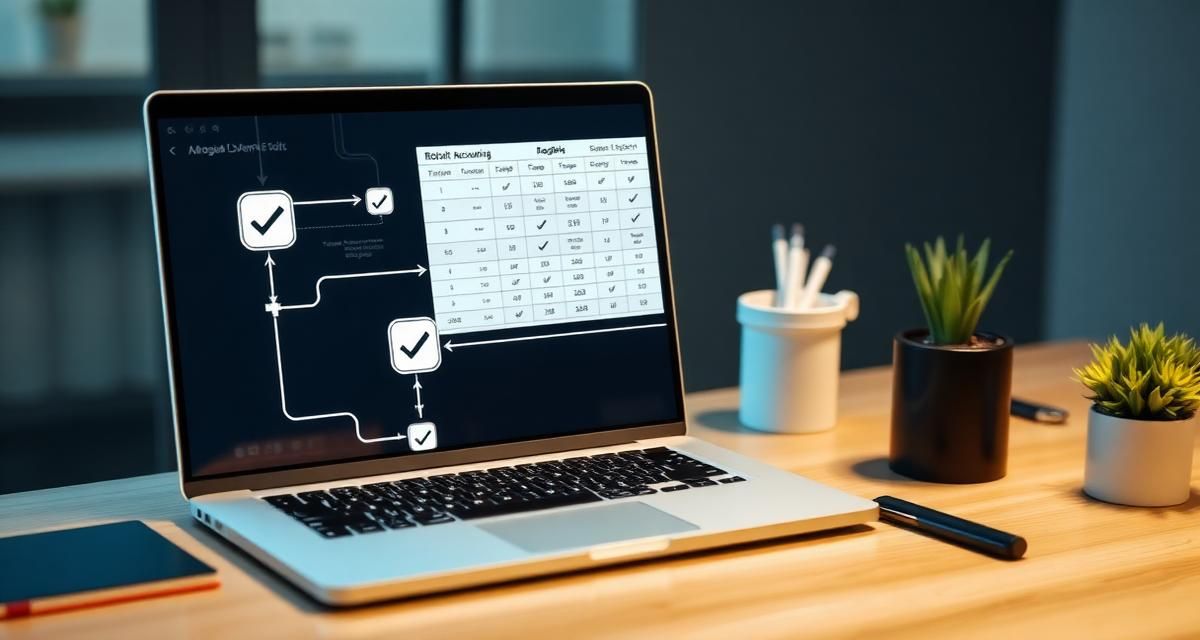
Monthly reconciliation is one of the most time-consuming processes in the finance department. Yet it's often done manually in Excel.
Why automate?
Automation reduces manual errors, saves time, and frees up resources for more value-adding work. A typical finance department can save 60–80% of the time with the right tools.
Step by step
1. Map the current state. Document all steps in your current process. Identify bottlenecks and error sources.
2. Choose the right tool. Look for solutions that integrate with your existing ERP system and support automatic matching rules.
3. Start small. Automate one account group at a time. Validate the results before scaling up.
With Exopen, you can set up automated reconciliation workflows that connect directly to your financial system.
The Critical Role of Data Quality and Standardization in Reconciliation
Effective monthly reconciliation hinges on the quality and consistency of your underlying financial data. Inconsistent data formats, disparate systems, and manual data preparation often lead to delays and errors in the reconciliation process. To truly automate and accelerate reconciliation, the first step is to establish a robust data foundation.
A standardized data model ensures that financial information from various sources is harmonized and readily available. This foundational work significantly reduces the time spent on data collection, cleansing, and preparation, which are often the most labor-intensive parts of the financial close process. By having reliable, structured data, finance teams can move from manual verification to focusing on anomalies and strategic analysis, thereby speeding up the entire financial close.
How Exopen's Unified Data Foundation Accelerates Financial Closes
Exopen provides the essential data infrastructure that enables faster and more efficient financial closes, including the critical steps leading up to reconciliation. While Exopen does not automate the 'matching' aspect of reconciliation as a specific, standalone function, it plays a pivotal role by standardizing and harmonizing financial data from diverse sources, which is a prerequisite for any advanced automation.
Our platform functions as a central financial data hub, utilizing a shared financial and operational data model — a 'single model'. This standardized data model structures financial data uniformly, regardless of your enterprise resource planning (ERP) system. By ensuring data quality and a consistent semantic framework, Exopen dramatically reduces the manual effort involved in preparing data for reconciliation and subsequent financial processes. This means finance professionals can transition from time-consuming manual Excel-based data preparation to accessing ready-made reports directly.
Exopen's modular platform, built for change and complexity, ensures that your financial data is always reliable and ready for analysis. Our approach ensures that you have a unified, governed data landscape, which is critical for rapid financial closes and improved auditability. This groundwork provides the foundation needed for advanced automation initiatives across your finance department.
Explore how Exopen's consolidation capabilities can further streamline your financial processes or learn about our FP&A solutions that build on this robust data foundation.
Choosing the Right Tools for Enhanced Efficiency
Selecting technology that supports your automation goals is crucial. When evaluating solutions, consider their ability to integrate with existing systems, offer flexible reporting, and provide a unified view of your financial data. Tools that offer a standard data model and automated data quality checks will be invaluable in streamlining reconciliation and other financial processes. The goal is to move towards a state where data is automatically prepared and available, allowing finance teams to focus on analysis rather than data manipulation.