


Your Fortnox data in Power BI
Ready-made connector between Fortnox and Power BI/Excel – fast onboarding, quality-assured data and self-service analytics for CFOs and Controllers.
Your Fortnox data in Power BI
Ready-made connector between Fortnox and Power BI/Excel – fast onboarding, quality-assured data and self-service analytics for CFOs and Controllers.
Work efficiently and data-driven across all your entities
In just a few clicks, take your financial planning and analysis to the next level with insightful analytics in Power BI. Ready-made connectors to Fortnox let you get started quickly and cost-effectively – with minimal risk and effort.
How the Fortnox connector works
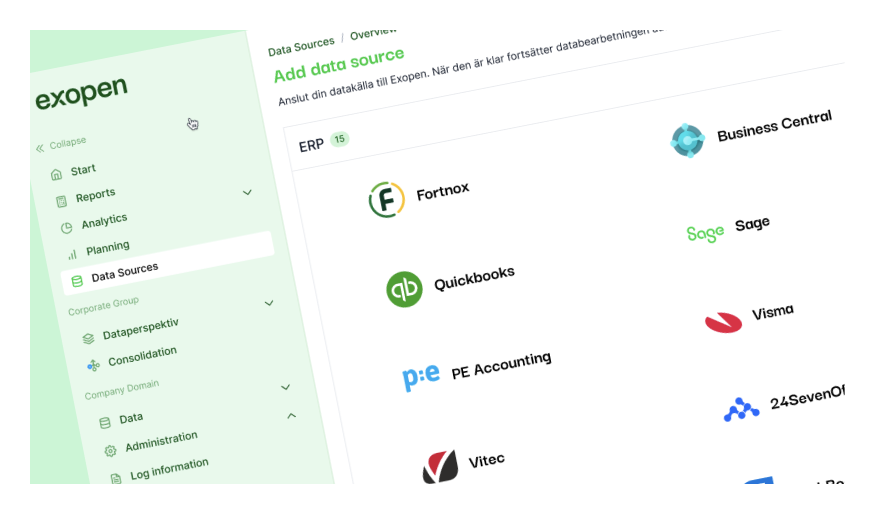
Exopen fetches data from the Fortnox API and stores it in our data warehouse to be visualised in Power BI. You can connect additional systems for a 360° view of your entire business.

Why Exopen
Ready-made system integration with Fortnox
Quality-assured data without costly maintenance
Fast onboarding with minimal effort
Everything for your business steering in one cloud platform
Self-service in Power BI and Excel
Get started easily
Exopen has ready-made connectors to Fortnox and fetches data from the Fortnox API into our data warehouse for visualisation in Power BI. You can then connect other systems to quickly get a 360° view of your business.